
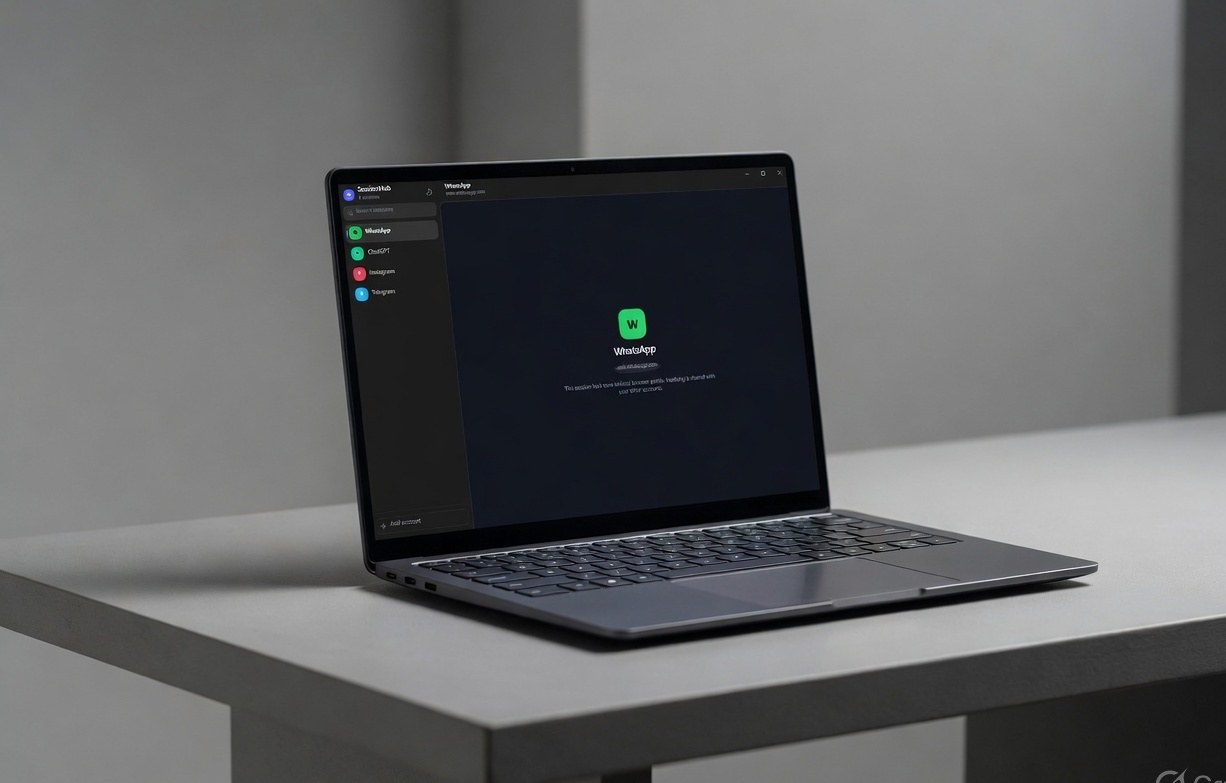
Windows
Windows 10 (1809+) and Windows 11, 64-bit. Setup installs WebView2 if it is missing.
Download for Windows (.exe)Windows & macOS · 7-day trial
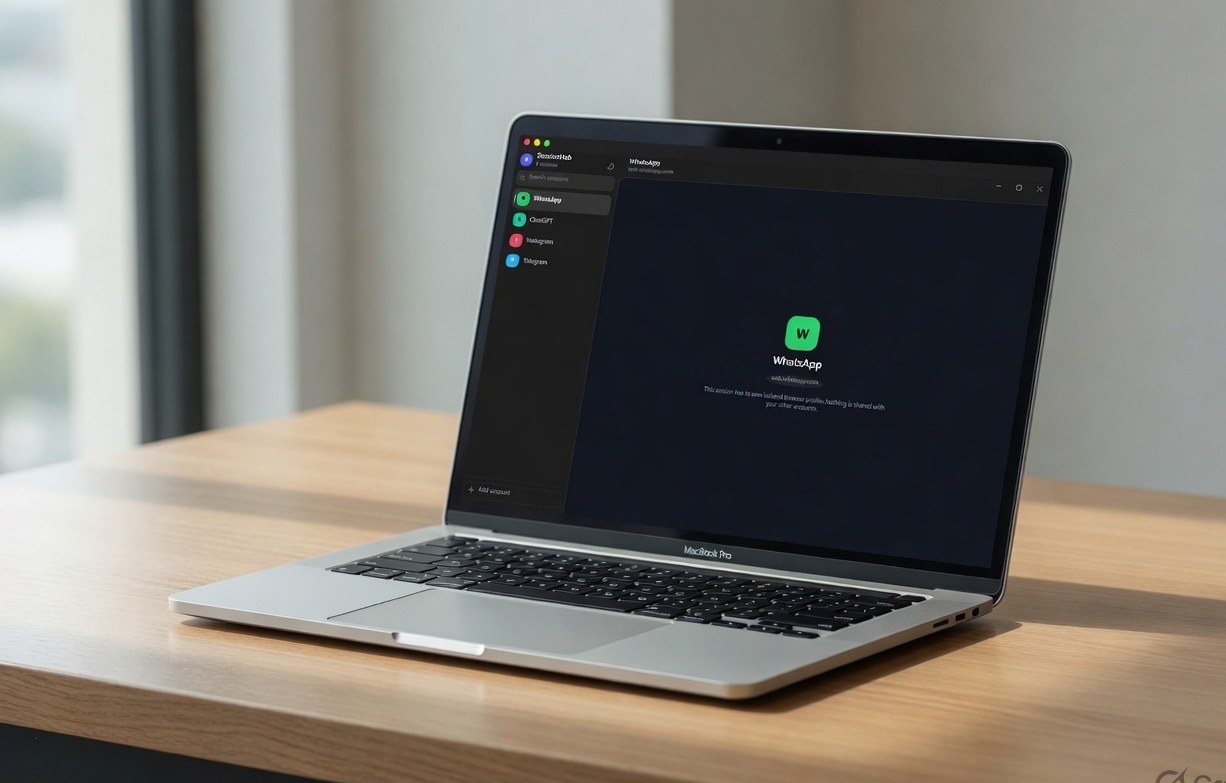
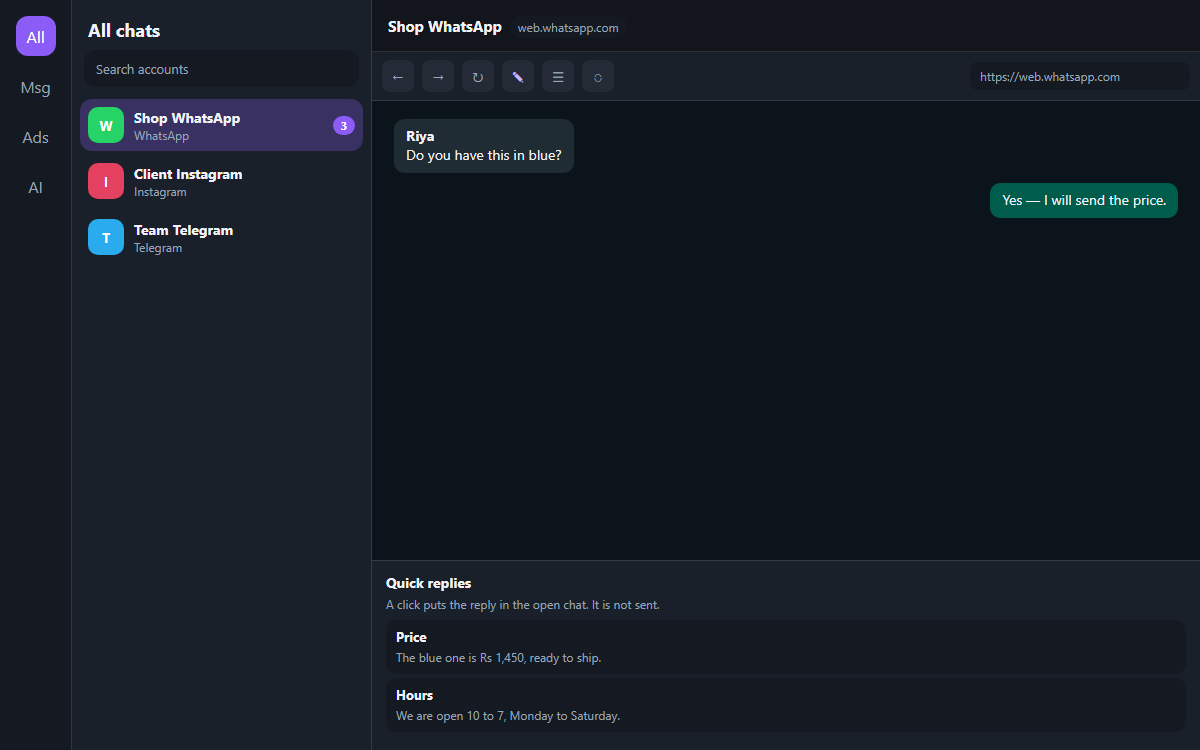
SessionHub is a desktop workspace for Windows and Mac. Each account is a named row with its own isolated browser profile — shop WhatsApp, client Instagram and personal Telegram never mix. On WhatsApp you also get quick replies, a private note on the open chat, and a blur for names and messages.
Windows + Mac
Isolated logins
Unread badges
Pop-out windows
20+ platforms
Download
Windows and macOS share one desktop key. Activate on this device, then add accounts. Apple Silicon and Intel Macs both have a build.
Windows 10 (1809+) and Windows 11, 64-bit. Setup installs WebView2 if it is missing.
Download for Windows (.exe)
macOS 12 Monterey and later. Apple Silicon disk image first. Drag SessionHub into Applications.
Download for Mac (.dmg)On an Intel Mac? Download the Intel build.
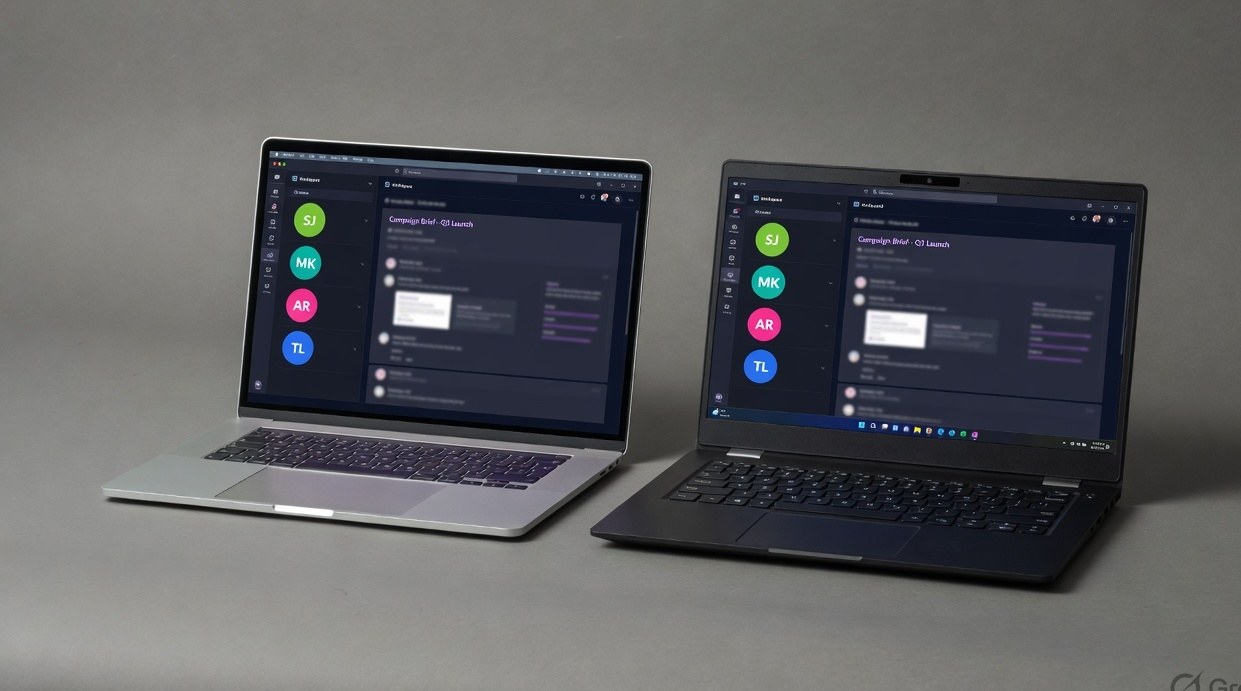
Why it exists
Without SessionHub
With SessionHub
How it works
Download the Windows installer or the Mac disk image. Start a 7-day trial — no card. Same license later works on both.
Pick WhatsApp, Instagram, Telegram or any of 20+ presets — or paste a URL. Name it “Shop WhatsApp” so you never mix clients.
The sidebar is the switcher. Scan a WhatsApp QR once; next launch it is still there. Search when the list grows.
The product
Isolation
SessionHub does not open tabs in Chrome or Safari. Every session gets a private Chromium profile — cookies, cache and login tokens stay inside that box.
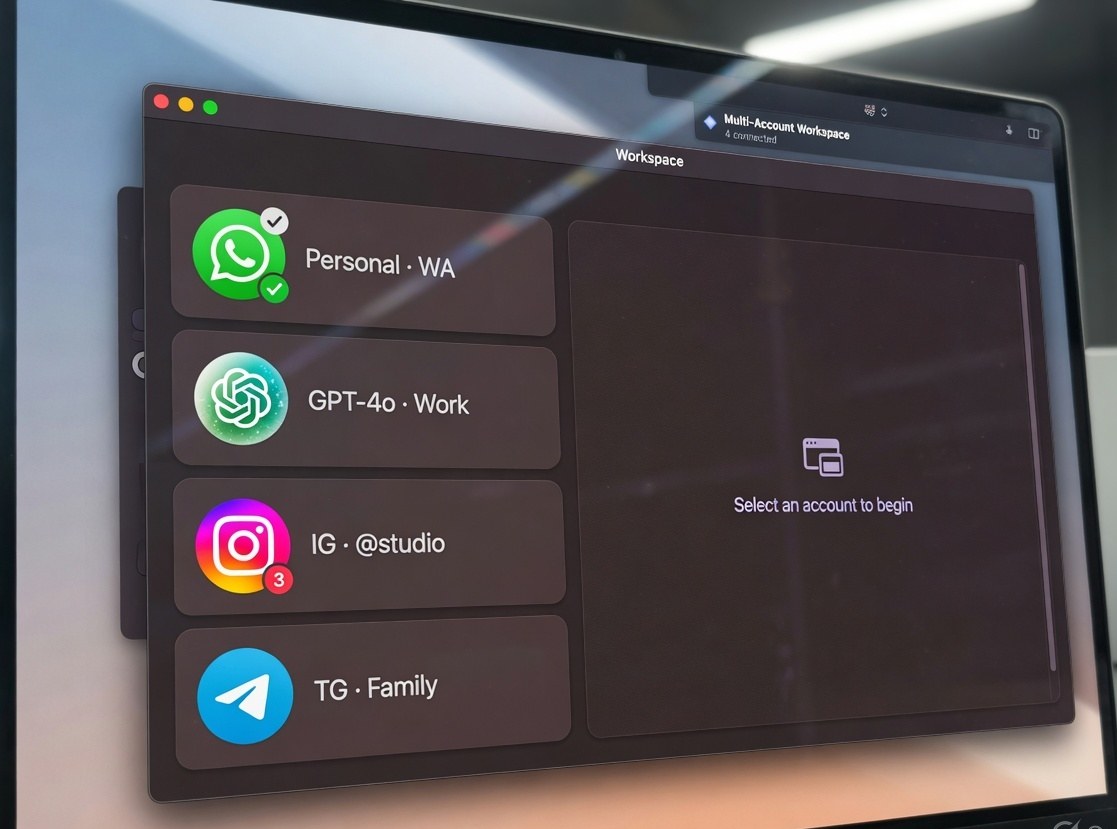
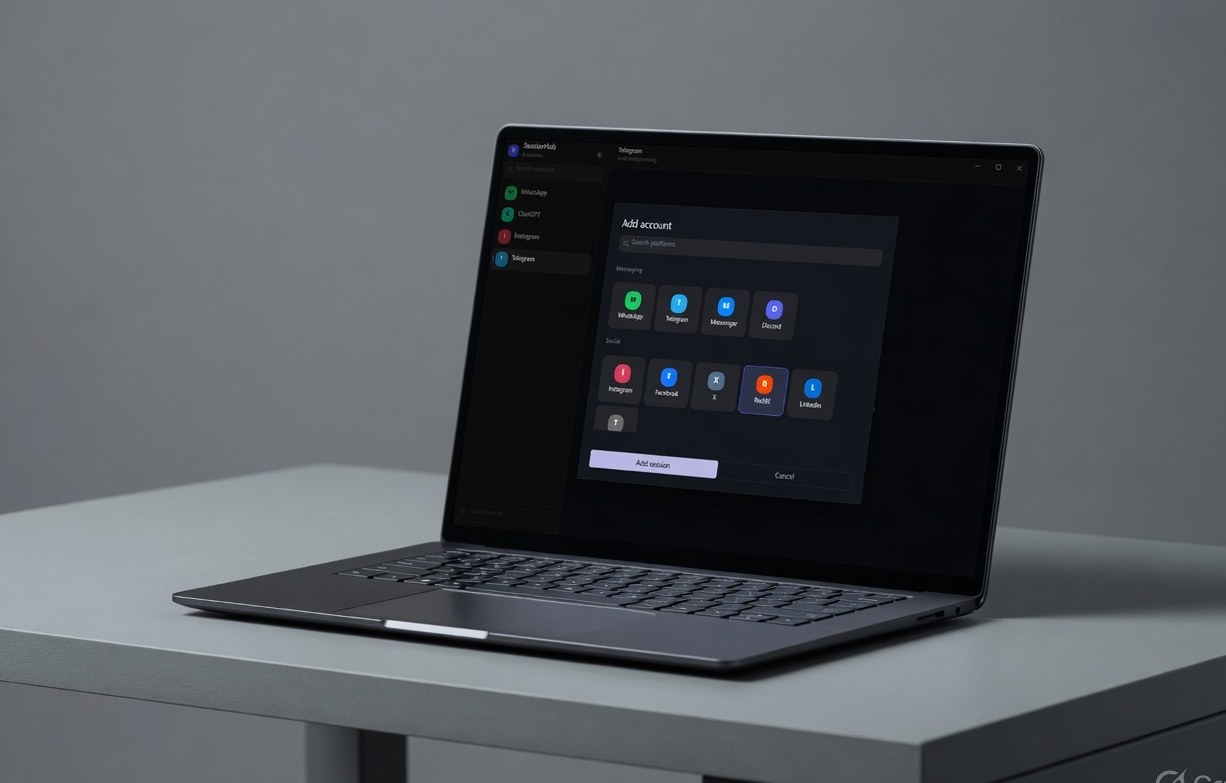
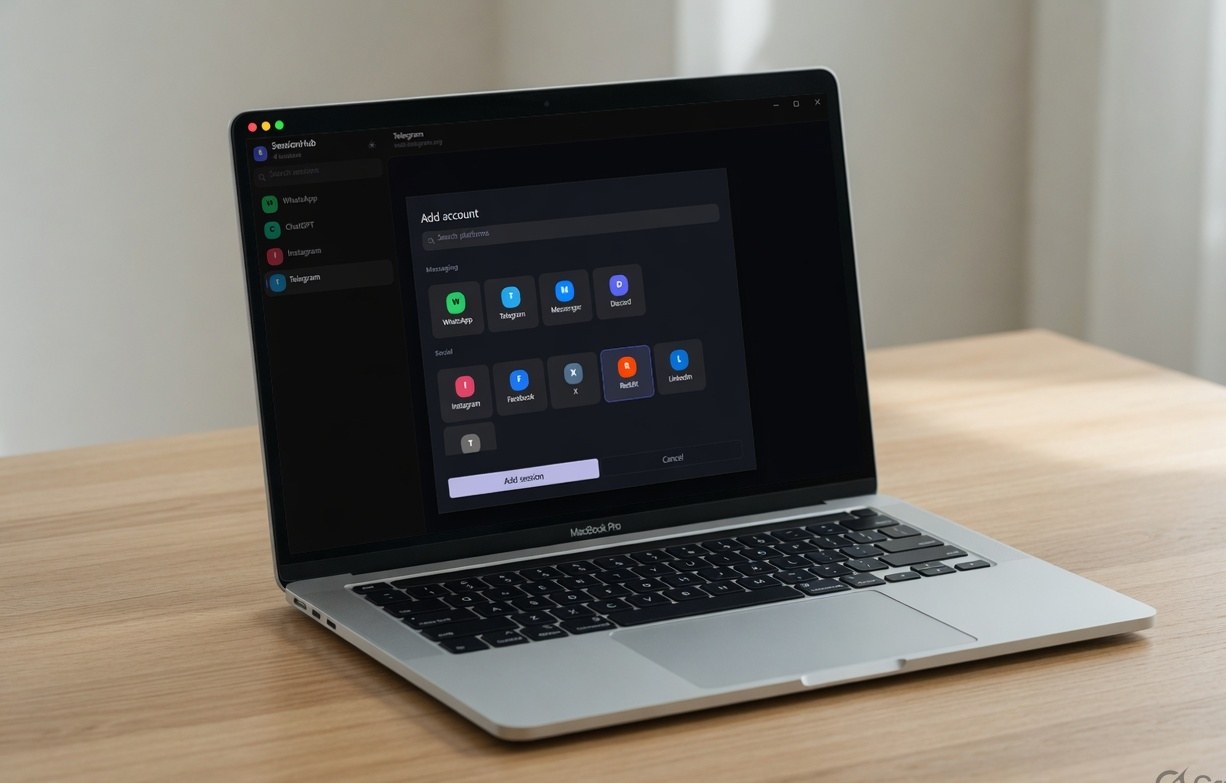
Add account
Messaging, Social, Ads, Marketing, AI — grouped the way you work. Need a CRM or store admin? Choose Custom Website and paste the link.
Folders & names
Ten accounts is easy. Thirty is not. Name each session after the brand, then keep Messaging, Ads and AI in their own folders.
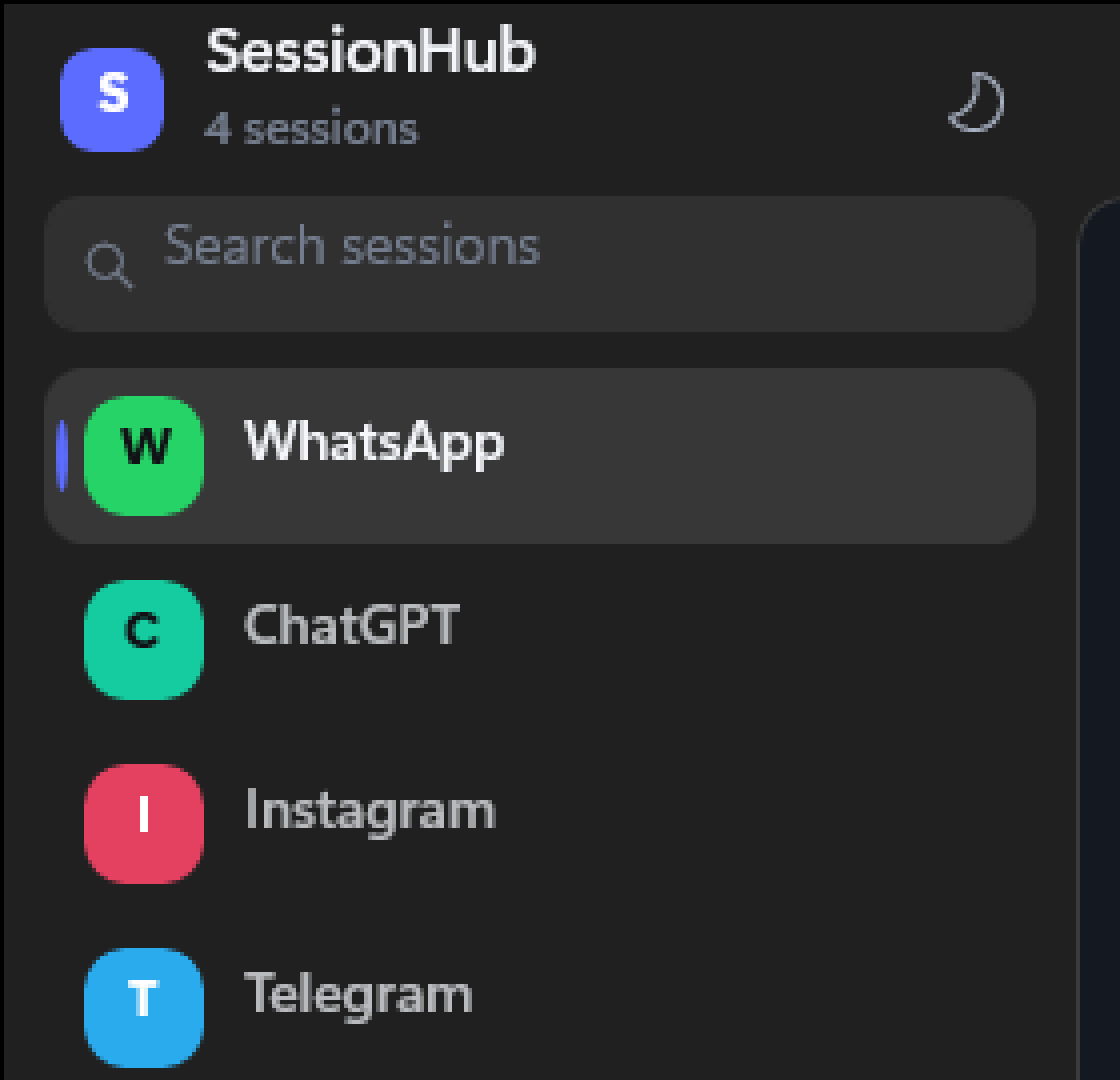
Unread & pop-out
New messages mark the row with a count, like a phone badge. Pop a session into its own window and drag it to a second monitor — the login stays isolated.
On WhatsApp only
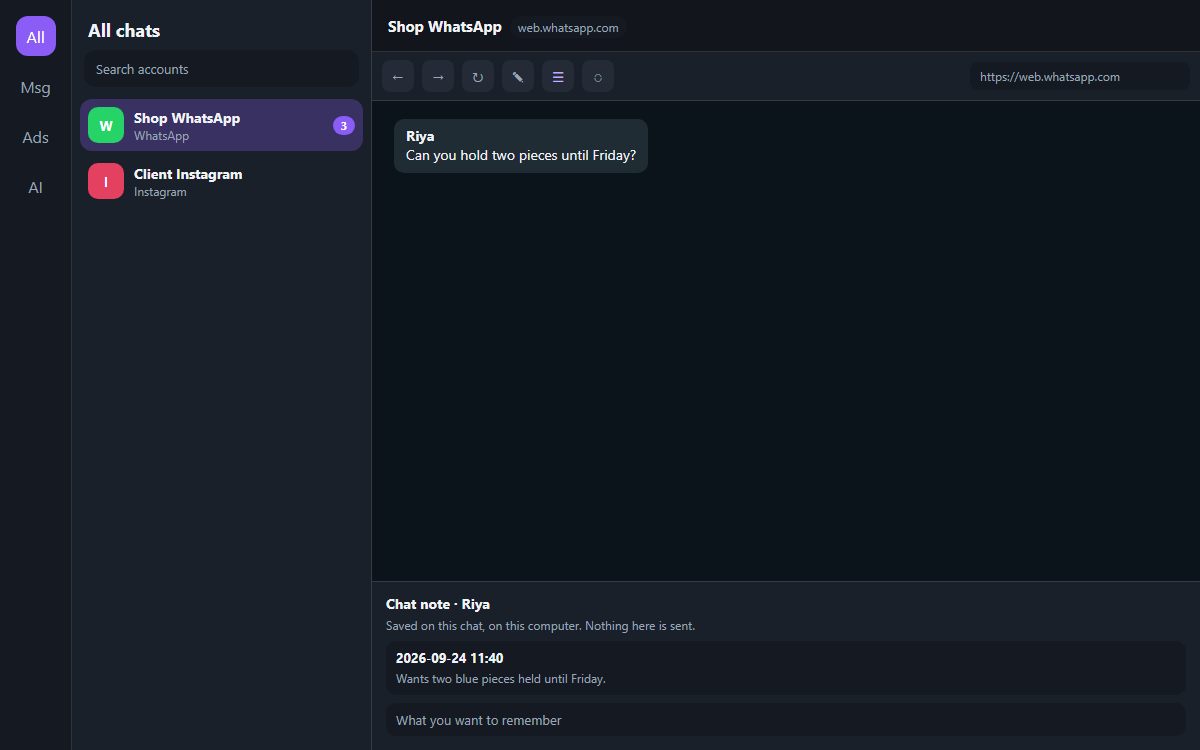
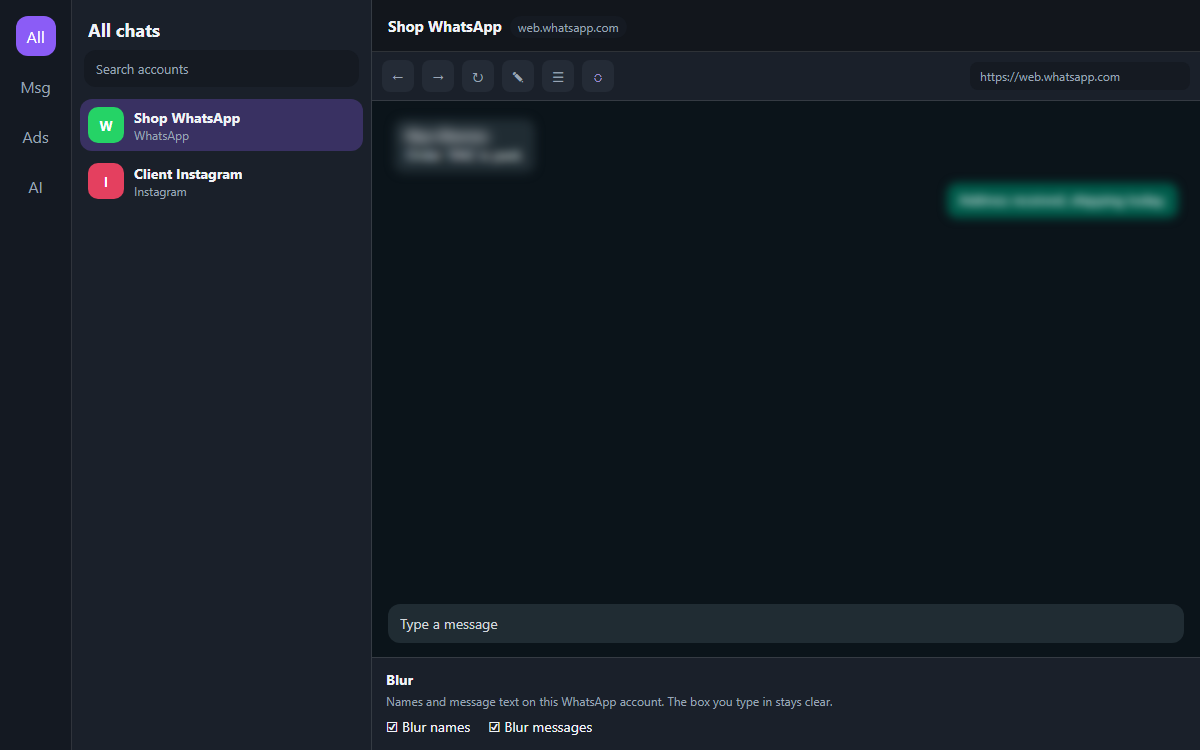
They show up beside Back and Refresh when the open account is WhatsApp, including a popped-out window. Instagram, Telegram, ads and AI never see them. Nothing here sends a message.
Save the lines you type all day. A click drops one into the open chat. You still press Enter to send it.
A note stays on that chat, on that WhatsApp account. It is separate from the notepad, and it is never sent.
Hide names, message text, or both on this account when someone is looking over your shoulder. The box you type in stays clear.
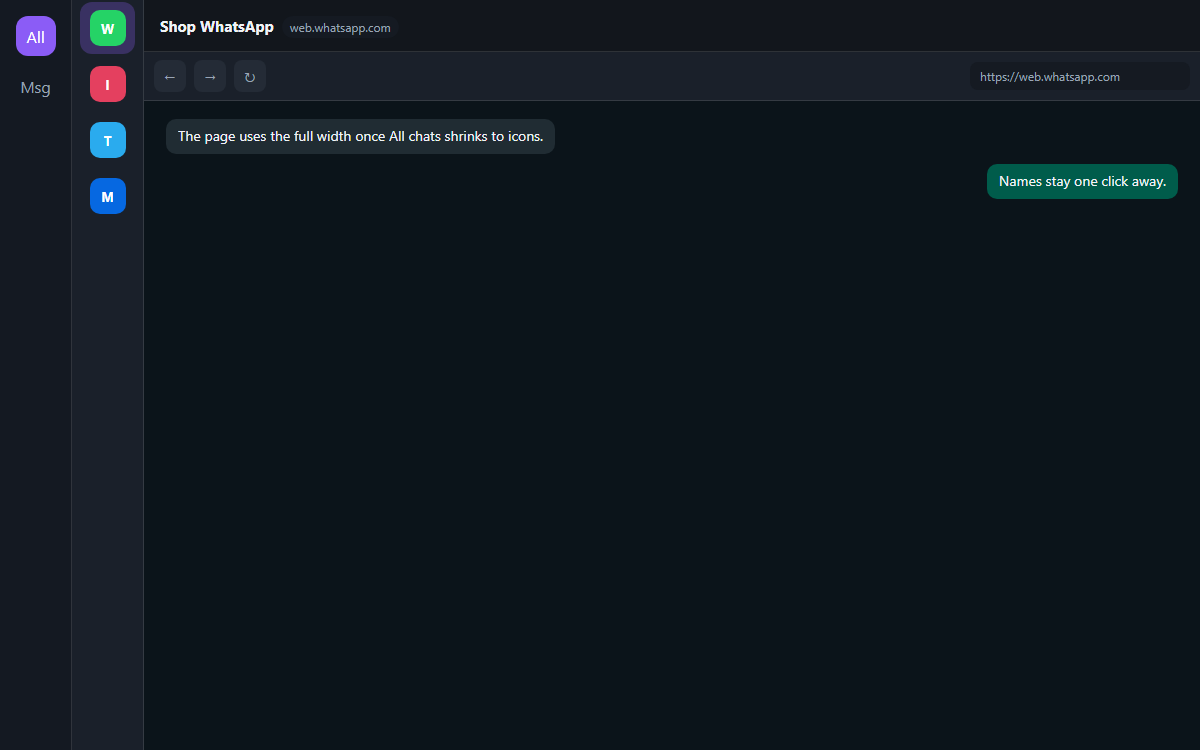
Shrink the account list to avatars. The page gets the rest of the window. Open it again when you need the names.
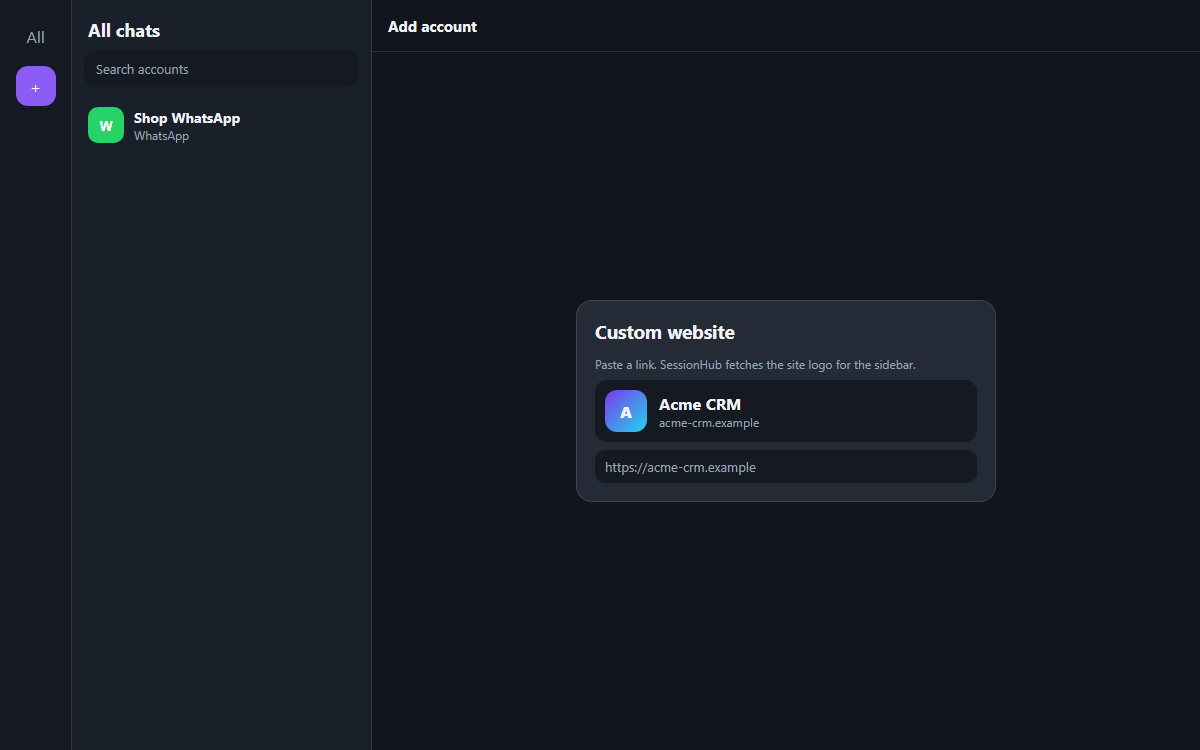
Paste any HTTPS address. SessionHub fetches that site’s icon for the sidebar, or you can drop in your own PNG.
Also included
Type a client or platform. The sidebar filters instantly.
Follow Windows or macOS. Colour themes live in Settings.
Close to the tray on Windows, or the menu bar on Mac. Optional start at login.
One year of updates on the license. Works 7 days if our server is down.
Trial is 3 sessions. Paid plans unlock 5, 10 or more — the app enforces the ceiling.
Any HTTPS site: CRM, booking, store admin. Same isolation as WhatsApp, with the site’s own logo.
A notepad for the whole workspace, with an optional time. A reminder pops up when that time arrives.
Platforms
 WhatsApp
 Telegram
 Messenger
 Discord
 Instagram
 Facebook
 X
X LinkedIn
 Threads
 Reddit
 Google Ads
 Meta Ads
 TikTok Ads
 Pinterest Ads
 YouTube Studio
 Pinterest
 Medium
 Quora
Quora ChatGPT
 Claude
 Gemini
 Grok
Grok Perplexity
 DeepSeek
 Custom website
Who it is for
Business WhatsApp, Instagram shop and ads in SessionHub. Family chat stays on your phone.
One PC or Mac, many client numbers. Name each session after the brand. Folders per client.
Instagram, Facebook, X, LinkedIn and Threads stay logged in. Switch from the sidebar.
Client DMs, ads dashboards and ChatGPT in one app. Plans scale when the roster grows.
Pricing
Seven days free, every feature. The license key is emailed after payment. Windows and Mac share it. Session limits are printed on the plan — the app enforces them.
License
5 isolated sessions · 1 year
₹999one-time
Most chosen
10 sessions · best for freelancers
₹1999one-time
License
For agencies & resellers
₹9999one-time
FAQ
A Windows and Mac desktop app with a sidebar of isolated logins — WhatsApp, Instagram, Telegram, ads, AI tools or any website — so many accounts stay open without logging each other out.
Yes. Same sessions, folders, unread badges, pop-outs, notes, WhatsApp quick replies, chat notes, blur, license and session limits. Windows uses WebView2; Mac uses Chromium profiles. A desktop license key works on both.
A normal browser shares cookies across tabs. Extra browser profiles work, but they are clumsy: separate windows, no unread badges, no named client list. SessionHub is one window built for that job.
No. Quick replies only place text in the chat you already have open. Chat notes stay on this computer. Blur only hides names and message text on that WhatsApp account. You send a message the same way you do on WhatsApp Web.
Yes, once per WhatsApp session — the same as WhatsApp Web. After that it stays logged in on this computer. A second WhatsApp session is a second number; they do not clash.
The free trial includes 3 sessions. Paid plans are typically 5, 10 or more — see pricing. A session is one row in the sidebar.
WhatsApp Web and similar sites still need internet. After a successful license check, SessionHub keeps working for 7 days if our server is unreachable.
Windows 10 (1809 and later) and Windows 11, 64-bit. macOS 12 Monterey and later, Apple Silicon and Intel. The Windows installer adds WebView2 if it is missing.
No. SessionHub is an independent desktop workspace from watshop Automation. It opens the official websites inside isolated profiles. You use those services under their own terms.
Free for seven days on Windows or Mac. If the sidebar is not clearer than your current pile of browsers, do not buy it.